
daDetective & DuckDuckGO
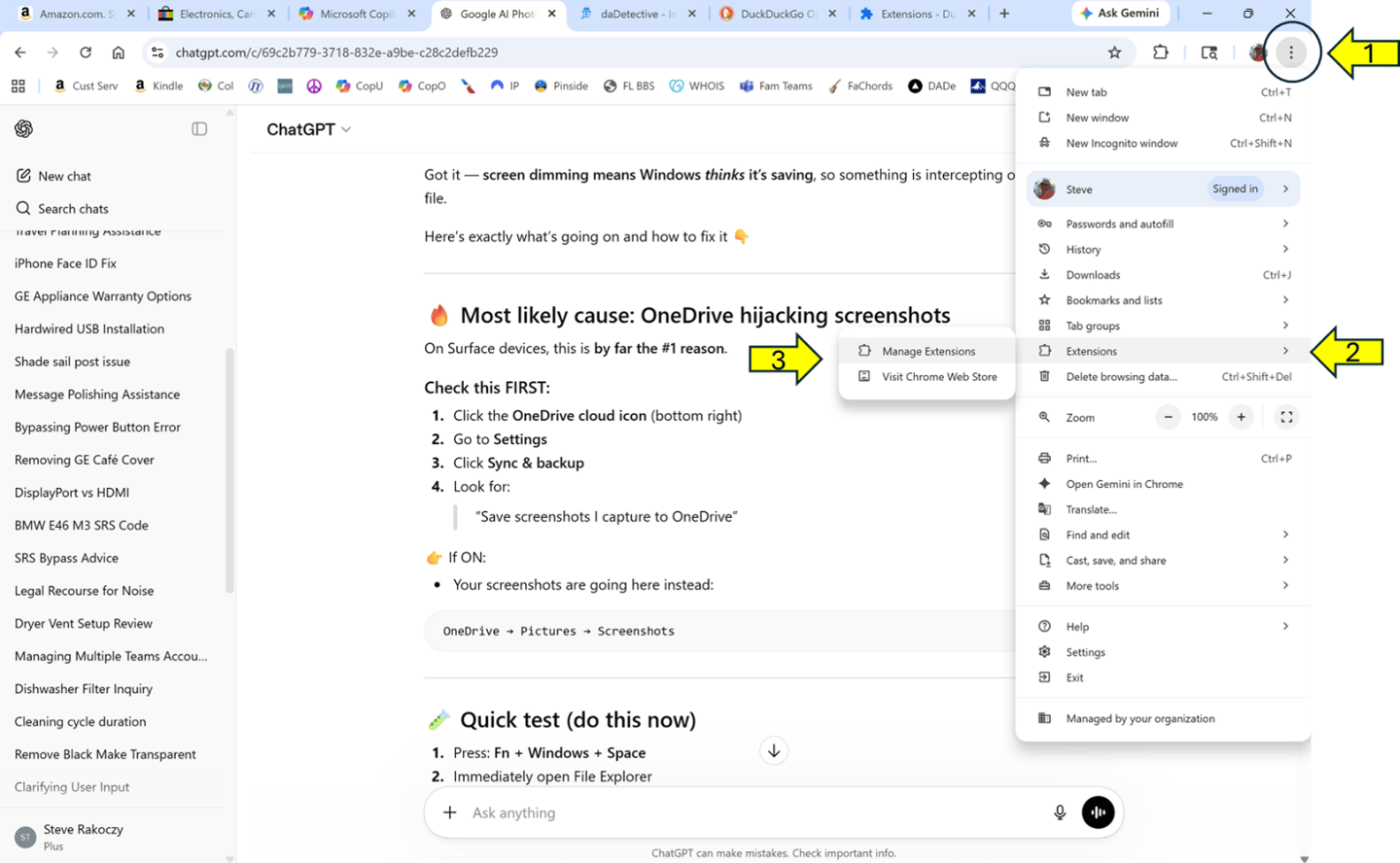
1) On your browser, LEFT Click on the three Dots on the top right
2) Scroll Down to: “Extensions”
3) Select “Manage Extensions”
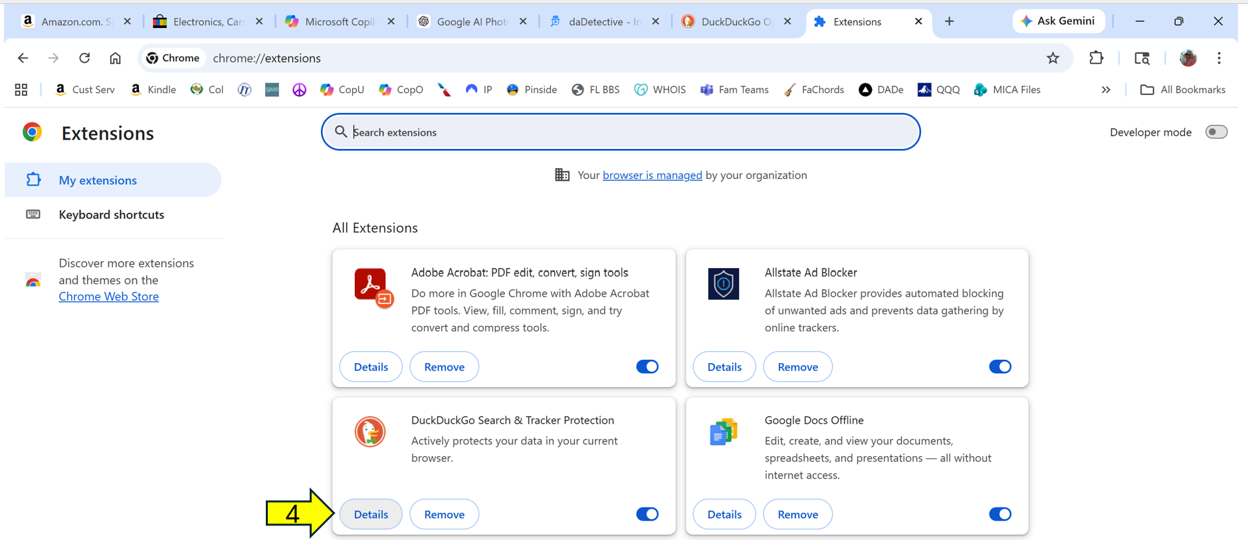
4) Click “Details” in the DuckDuckGo extension box
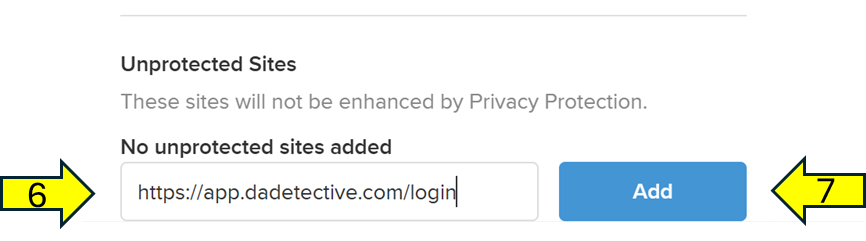
6) The Copy https://app.dadetective.com/login Into the Blank area
7) Click the “Add” button
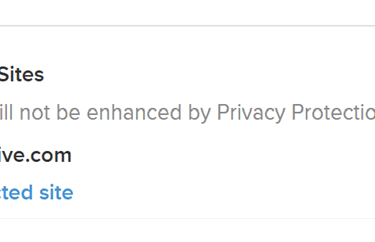
5) Scroll Down to “Unprotected Sites” and click “Add Unprotected Site”
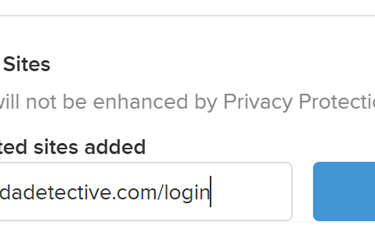
8) Open a new tab and you will be able to log into daDetective!
NOTE:
If you try to log in from an existing tab, it will not pick up the change.
You must open a new tab or refresh your current tab.
daDetective & DuckDuckGO
1) On your browser, LEFT Click on the three Dots on the top right
2) Scroll Down to: “Extensions”
3) Select “Manage Extensions”
4) Click “Details” in the DuckDuckGo extension box
6) The Copy https://app.dadetective.com/login Into the Blank area
7) Click the “Add” button
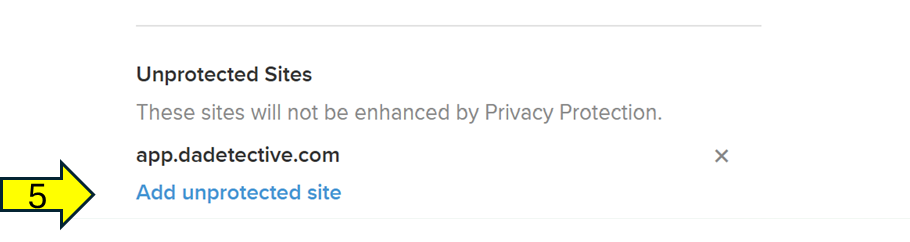
5) Scroll Down to “Unprotected Sites” and click “Add Unprotected Site”
8) Open a new tab and you will be able to log into daDetective!
NOTE:
If you try to log in from an existing tab, it will not pick up the change.
You must open a new tab or refresh your current tab.
Sound Interesting? Let's Talk!